-
1 / 4
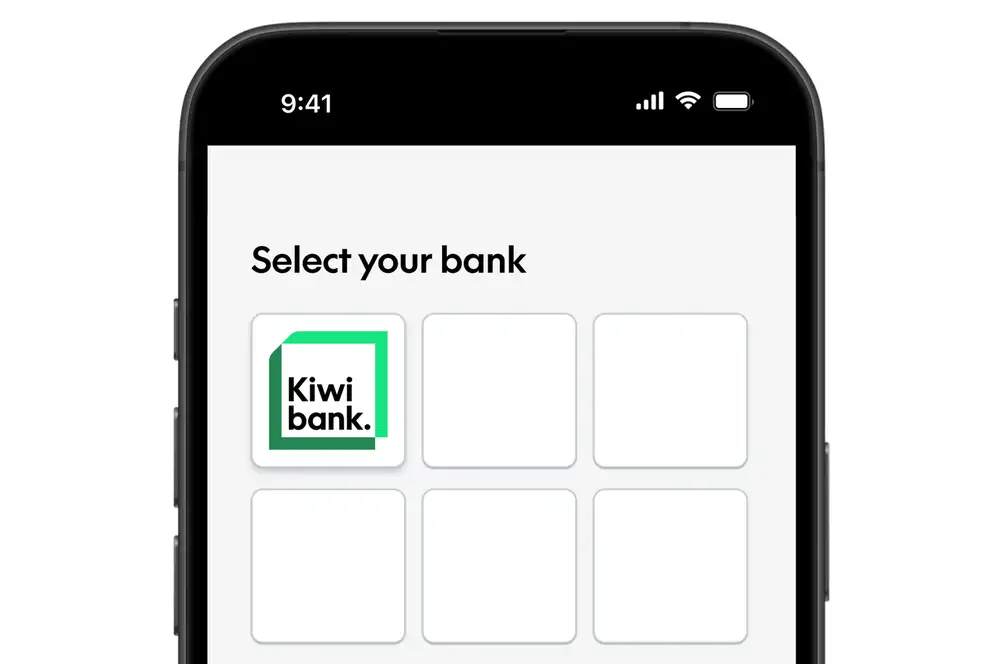
Choose Kiwibank to share your data
- Select Kiwibank as your bank when prompted by the app or service.
- You’ll be redirected to the Kiwibank mobile app or internet banking.
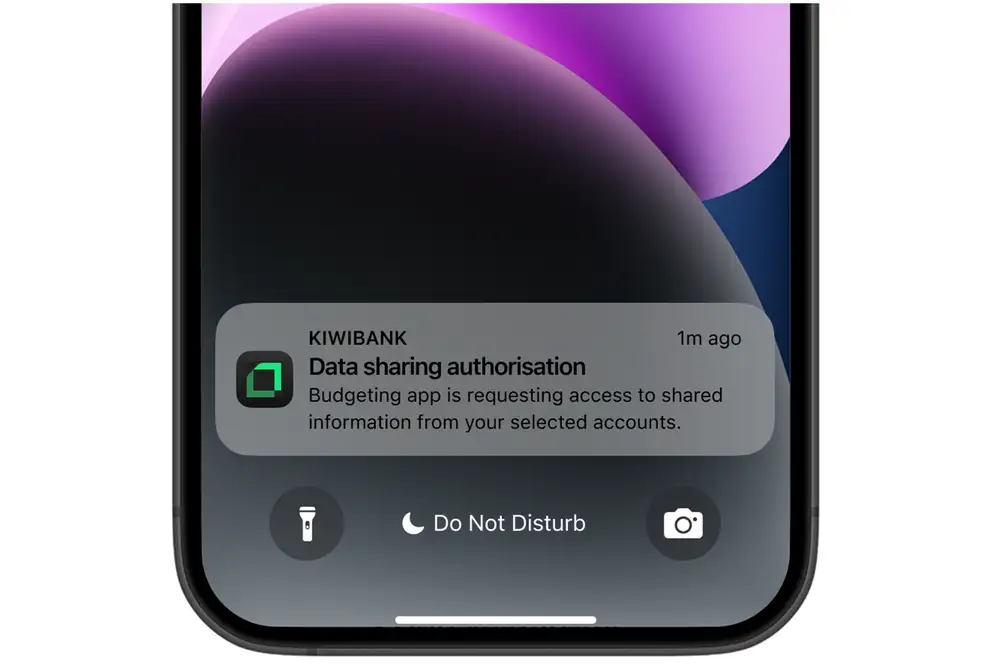
In some cases, you may need to approve the request on a device e.g. your mobile phone. If this happens:
- Enter your mobile number when prompted.
- You’ll receive a data‑sharing request from Kiwibank on your mobile phone.
- Tap the request to continue.
-
2 / 4
Log in & verify
- Log in securely using the Kiwibank mobile app or internet banking.
- Verify your identity using your preferred method.
-
3 / 4
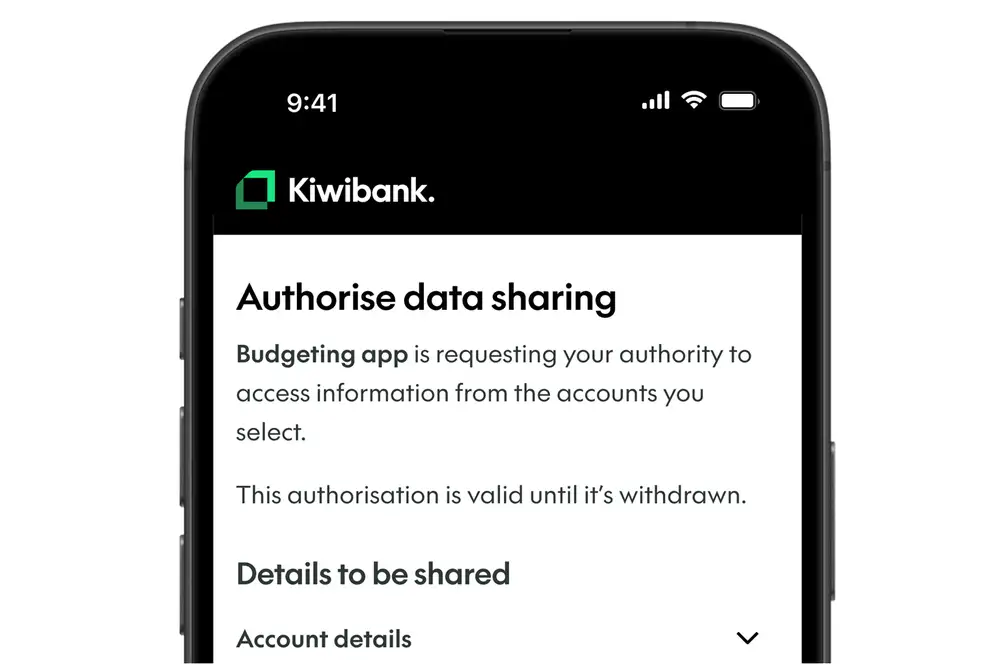
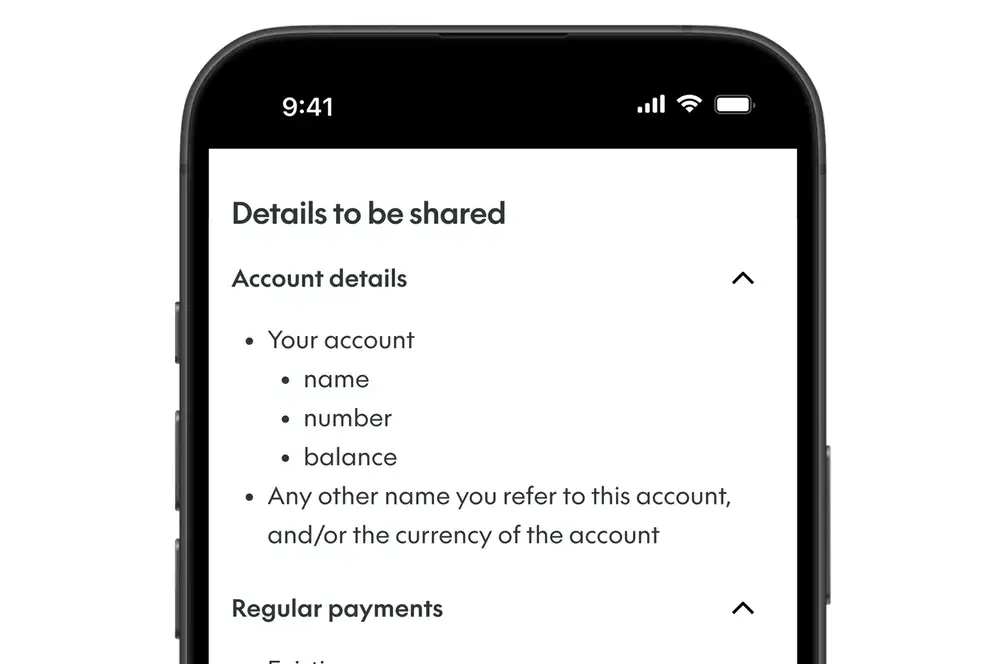
Review details to be shared
- Review the information being requested.
- Use the drop‑downs to see the details of the data that will be shared.
- Select ‘Next: Select accounts’.
-
4 / 4
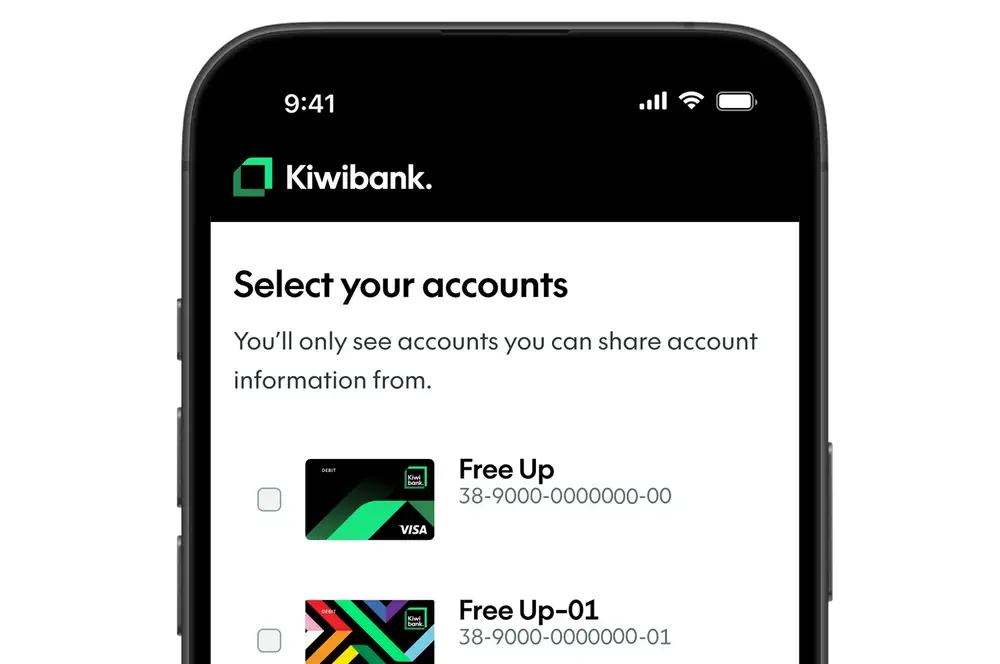
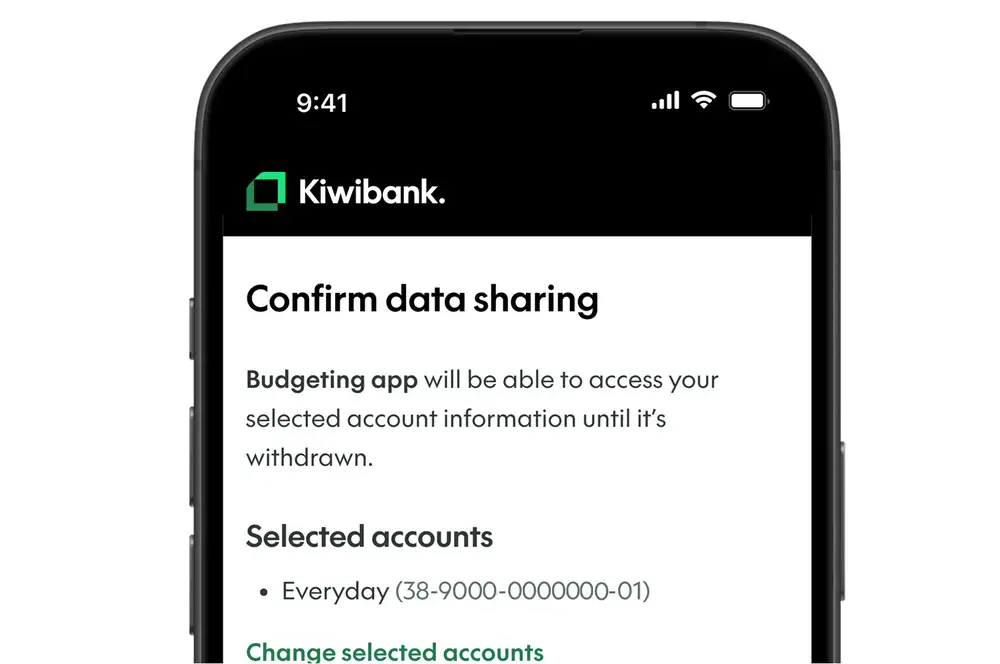
Select accounts & confirm
- Select the account or accounts you want to share data from. You’ll only see accounts that are eligible for data sharing.
- Select ‘Next: Review and confirm’.
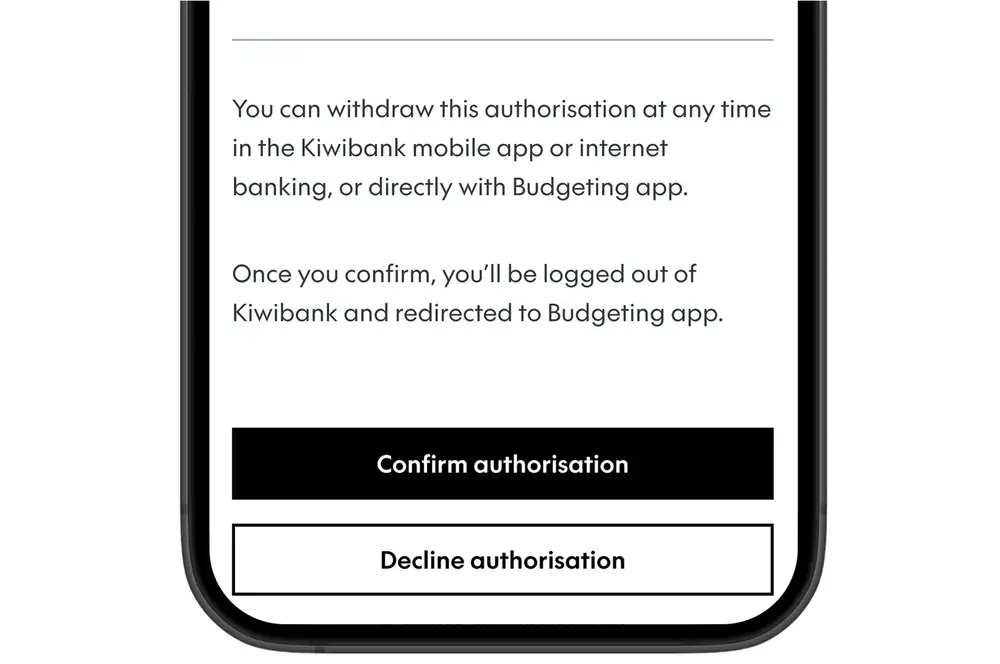
- Review your selection, then select ‘Confirm authorisation’ to share your data.
Once you confirm, you’ll be logged out of Kiwibank.
What happens next
- The app or service can access the information you’ve agreed to, based on what you authorised.
- You can withdraw authorisation at any time.
Common questions
How do I know it’s safe to connect?
Before you authorise the request, you’ll see:
- who is requesting access
- what information they're requesting
- how long you're giving access for.
Only trusted third‑party providers can connect through open banking. They must be government accredited or approved by us, and meet strict security requirements.