-
1 / 3
Start your payment
- Choose to pay by bank or bank account when prompted.
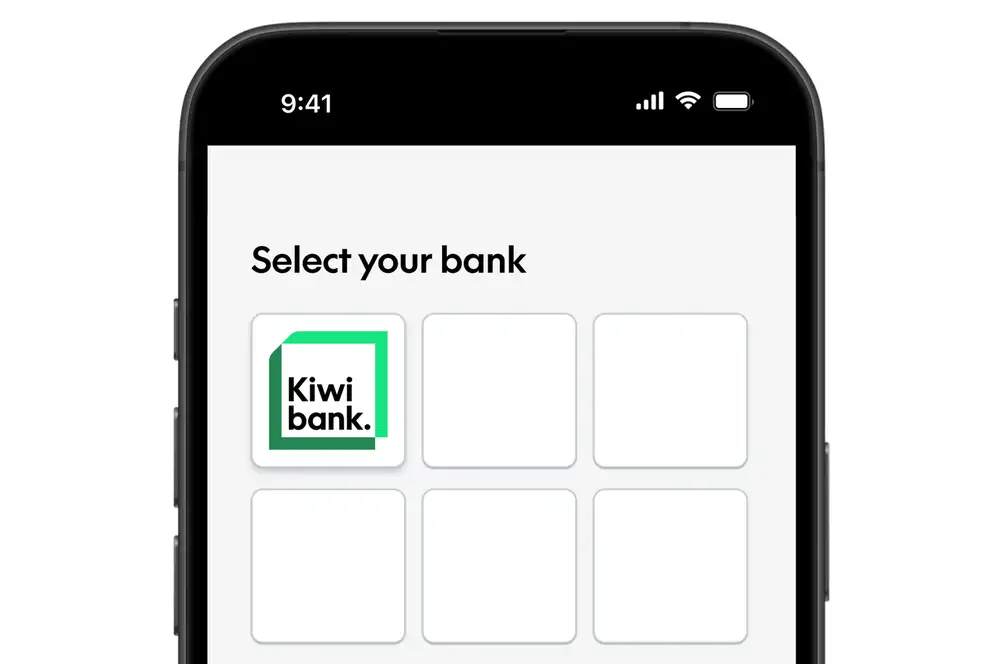
- Select Kiwibank as your bank.
- You’ll be redirected to the Kiwibank mobile app or internet banking.
In some cases, you may be asked to authorise the payment on a device e.g. your mobile phone. If this happens:
- Enter your mobile number when prompted.
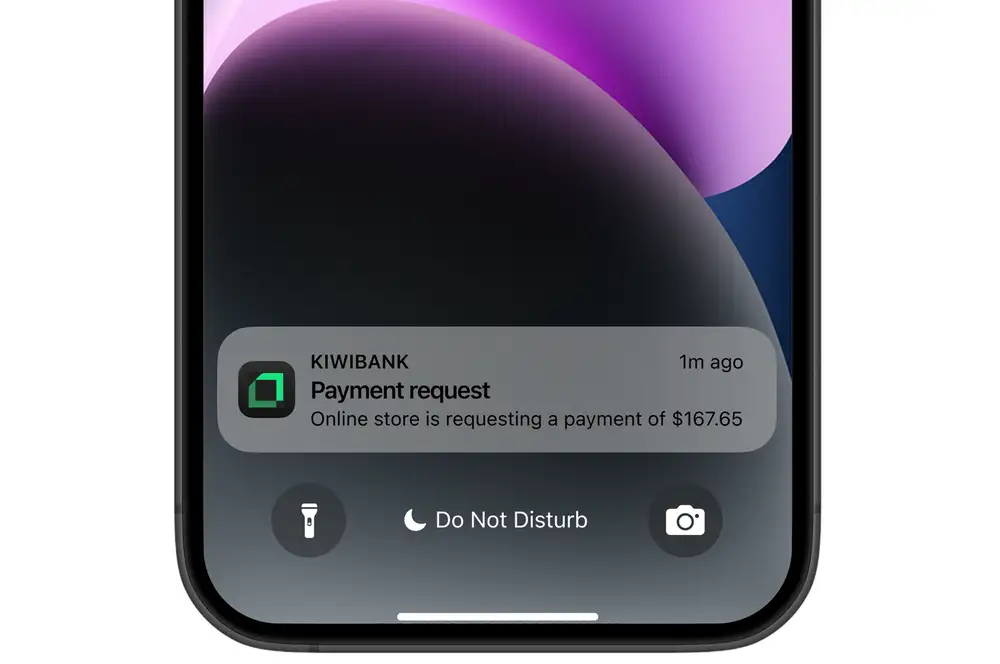
- You’ll receive a payment request from Kiwibank on your mobile phone.
- Tap the request to continue.
-
2 / 3
Log in & verify
- Log in to the mobile app or internet banking.
- Verify your identity using your preferred method.
-
3 / 3
Choose an account & confirm
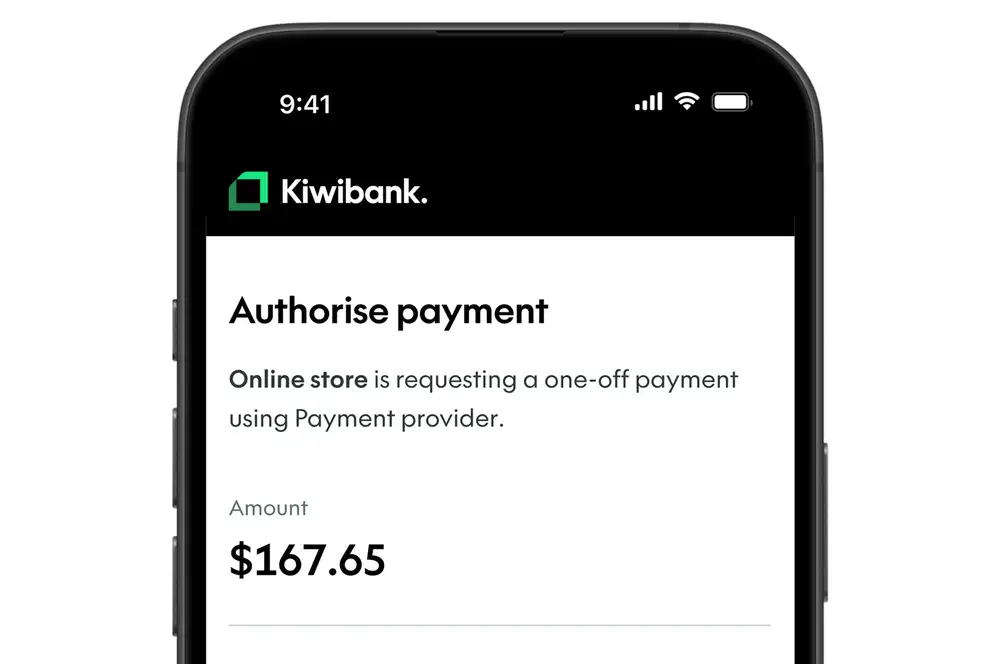
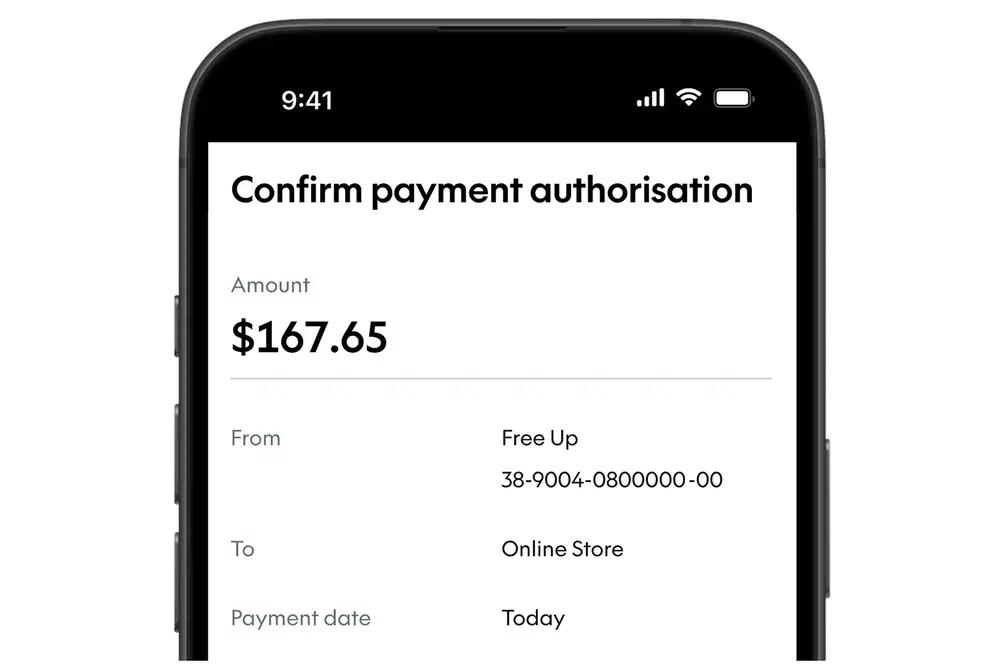
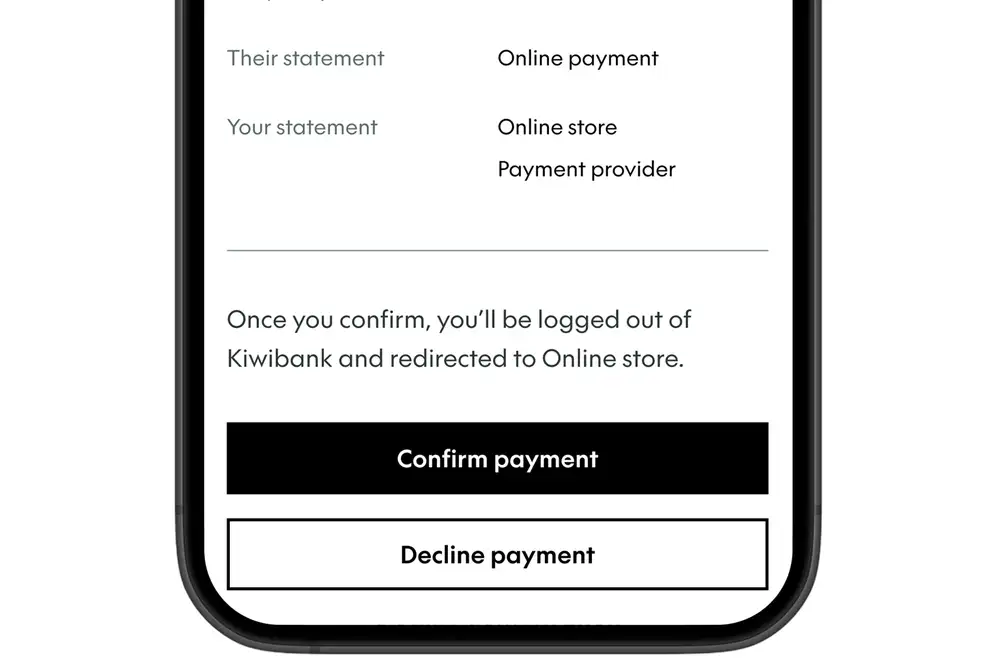
- Review the payment details.
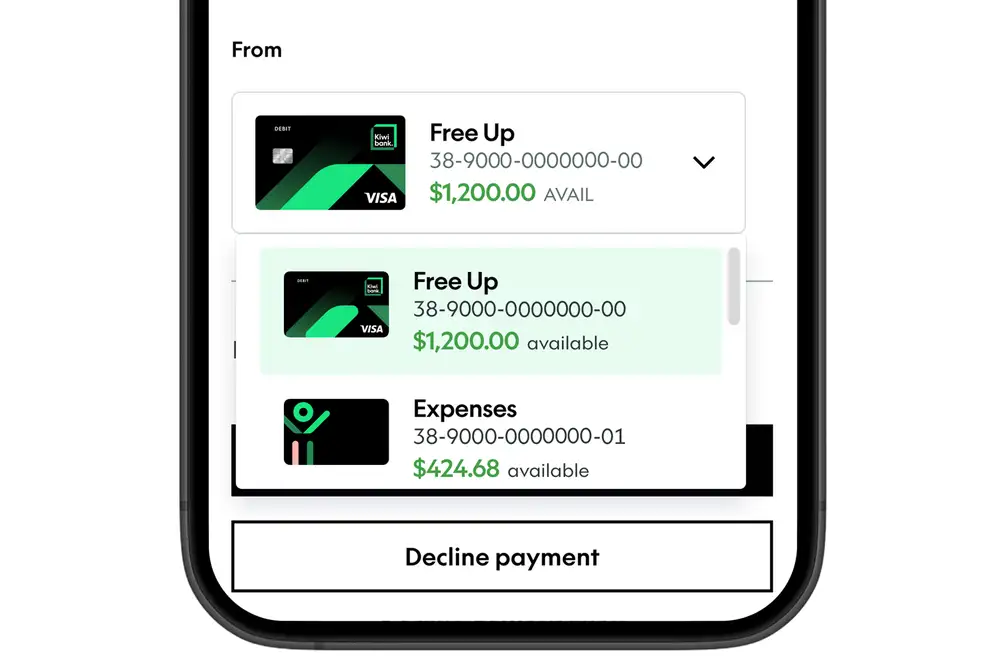
- Select the account you want to pay from using the drop-down.
- Select 'Review payment'.
- Select ‘Confirm payment’ to authorise the payment.
- You’ll be redirected back to the app or service once your payment is complete.
For ongoing payments, you'll see the payment frequency and amount you'll pay each time.
Withdraw your payment authorisation at any time in the Kiwibank mobile app or internet banking. You can also do this through the app or service you set it up with.
Common questions
Why aren’t any accounts showing when I try to make a payment?
If you can’t see any accounts, they may not be available for this payment. This could be because:
- The account can’t be used for open banking — for example, some joint or business accounts where more than one person may need to approve payments.
- There are restrictions on the account.
- The account type isn’t supported for open banking payments.
- You don’t have the right level of access to make payments. For example, some business users may not be able to make payments.
- Paying by bank is only available to customers aged 13 or over.
Only accounts that are eligible for this payment will be shown.
Why didn’t my payment go through?
A payment may not go through if:
- You don't have enough money in your chosen account.
- The payment timed out before you confirmed.
- The amount is over the limit you agreed to when the payment was set up.
- Your authorisation has expired or been withdrawn.
If this happens, return to the app or service and try again.