Share your information simply
-
Account information is shared directly from Kiwibank — without downloading files or manually entering details.
-
Connect to tools like third-party budgeting apps to track spending and manage your money.
-
Choose what to share, who to share it with, and how long to share it for.
Choose what information to share
When you connect to an app or service using open banking, you’ll see exactly what information is being requested before you authorise anything.
This may include:
- account names and numbers
- balances and transaction history
- account type and details
- account holder name, date of birth, and contact details.
Take a moment to review what’s being shared before confirming.
How it works
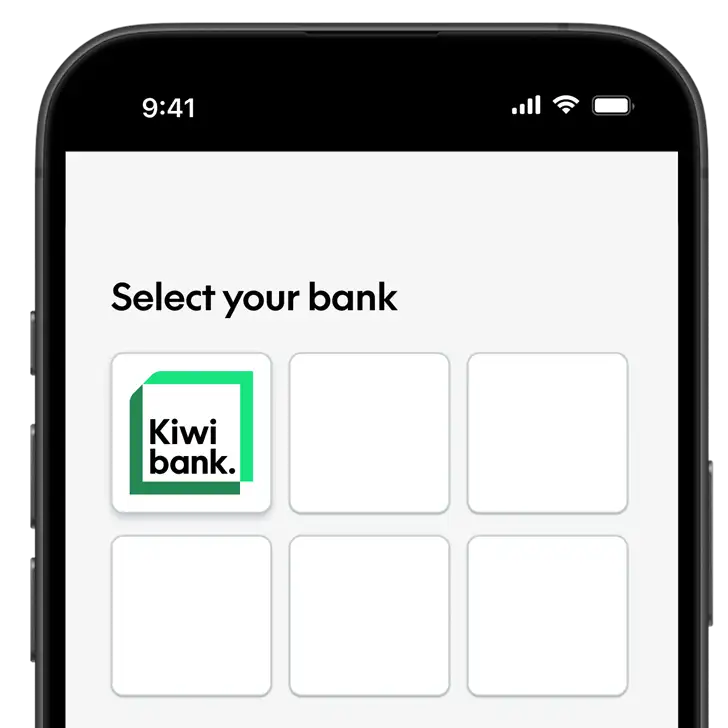
Choose to connect your account
When using an app or service, you may see an option to connect your Kiwibank account.
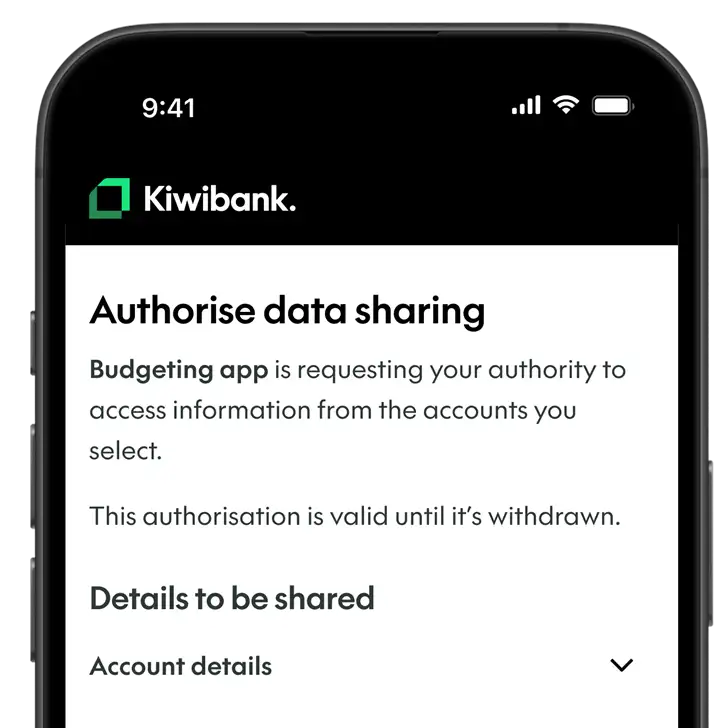
Review & authorise the request
Log in to your Kiwibank mobile app or internet banking. Review what information is being requested, who it will be shared with, and how long access will last.
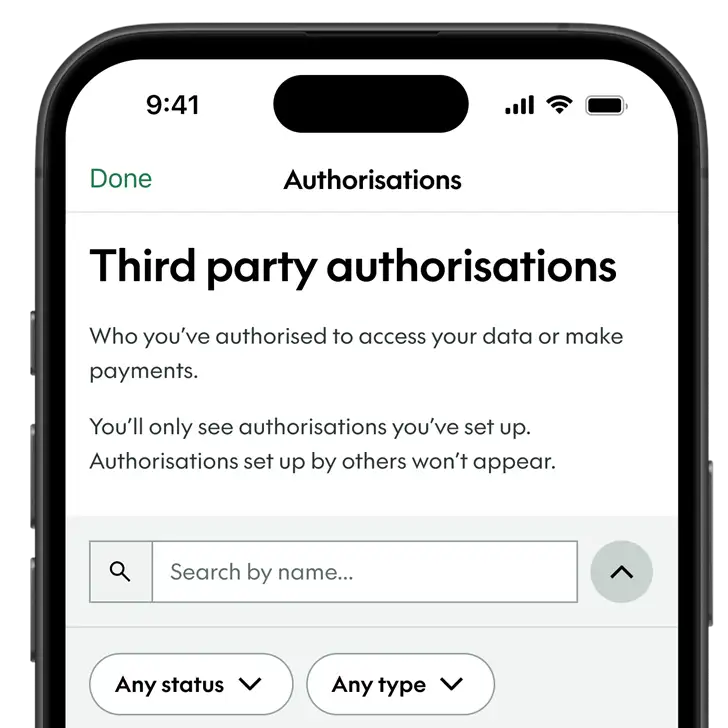
View or withdraw authorisation anytime
You can check and withdraw your authorisation whenever you choose.
Common questions
If you can’t see any accounts, they may not be available for data sharing. This could be because:
- There are restrictions on the account.
- The account type isn’t supported for open banking data sharing.
- You don’t have the right level of access to share this information. For example, some business users may not be able to share account information.
- Open banking is only available to customers aged 13 or over.
If an account isn’t shown, it isn’t available to share for this request.
Only trusted third-party providers that are government accredited or approved by us can request access through open banking.
Before authorising, take a moment to check:
- you recognise the app or service
- you understand what information they’re asking for
- you’re comfortable sharing that information.
If you’re unsure, don’t authorise it.